





Some weeks ago now we published as a guest author on the blog of our good clients and better friends at Marketing Paradise How to share your posts on social networks automatically. In it we explained to you how to share the posts you publish on your websites completely automatically and free of charge.
Well then, although rather little time has passed since it was published, several things have changed in the way to proceed in order to achieve the proposed objective.
One of them is that we no longer publish on the personal Google+ profile using the plugin for WordPress Jetpack by WordPress.com, but rather we use the new feature provided by Buffer thanks to the use of a Zapier zap from Zapier.
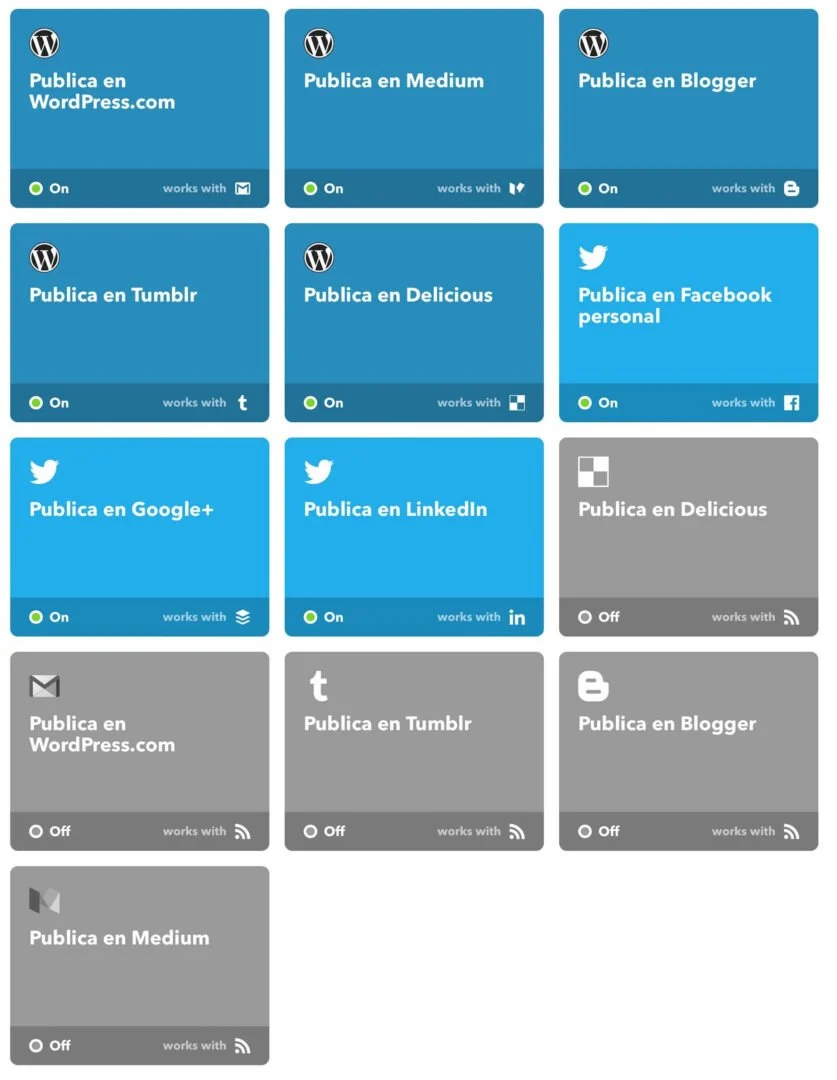
Another is that in IFTTT we no longer use the connection via RSS but via WordPress; although in reality it accesses exactly the same information, it offers us a little more specific information, such as the tags of the posts.
But we had the big problem when, all of a sudden, the plugin we recommended for adding the featured images to the RSS, RSS Image Feed, stopped working. But not only that, it is that it did not work for us with any of the many plugins for WordPress that we tried, so we had to set about looking for a solution, and a fast one.
Solution
To achieve our objective, which, as we explained to you in the post we published on Marketing Paradise, is fundamental so that the shared posts have the best possible appearance, we had to build our own PHP function in the functions.php file of the child theme.
The PHP function we use is exactly this one:
In it the first thing we do is check whether the post has a featured image or not. If it has one, we rewrite the content of the RSS including a layer with the featured image, making sure that it is responsive thanks to a little CSS, the current content of the RSS and a link with the URL to the original content with the prefix “Fuente original:”.
Besides, to get our PHP function to work without problems, we had to block good old Yoast SEO completely, since it is the cause of none of the plugins tested working. The cause of the problem is that Yoast SEO overwrites the the_excerpt_rss filter, which is the one we have to use in order to be able to overwrite the content of the RSS, with a function of its own that makes its reuse impossible.
Thanks to this small PHP function we managed to get everything back to normal and everything working as we need it to work. You can see its final result in our feed.
We hope you find this small tutorial useful and that you use it in your projects with WordPress.
Related posts




Comments
Products and services
-
 Data Import Starter Kit
121,00 €
-
 WP Total Updater
From: 42,35 € / MONTH
-
 WC - APG myGESTIÓN
-
 WC - APG ecoSoftWEB
-
 All in one
From: 544,50 €From: 484,00 €

Art Project Group is now available in English. The whole site is translated: every plugin page, the full documentation and the support centre.
artprojectgroup.com #WordPress #WooCommerce

How do you set up WC - APG Cont4?

Se ha publicado #WooCommerce 11.2.2: actualización de seguridad que refuerza las API REST y Store, mejora la validación de CSV y corrige problemas en pagos y pedidos. Incluye cambios en la base de datos.
¡Actualiza cuanto antes!
¿Cómo se configura WC - APG myGESTIÓN?

¿Cómo se configura APG Multisite Suite?


