





As you well know, WordPress, by default, shows us the searches made through the search form with this URL:
But thanks to two small, simple plugins this can change.
The first one is called Nice Search, by Mark Jaquith, which, thanks to a handful of lines, will transform the URL we have just seen into this other one:
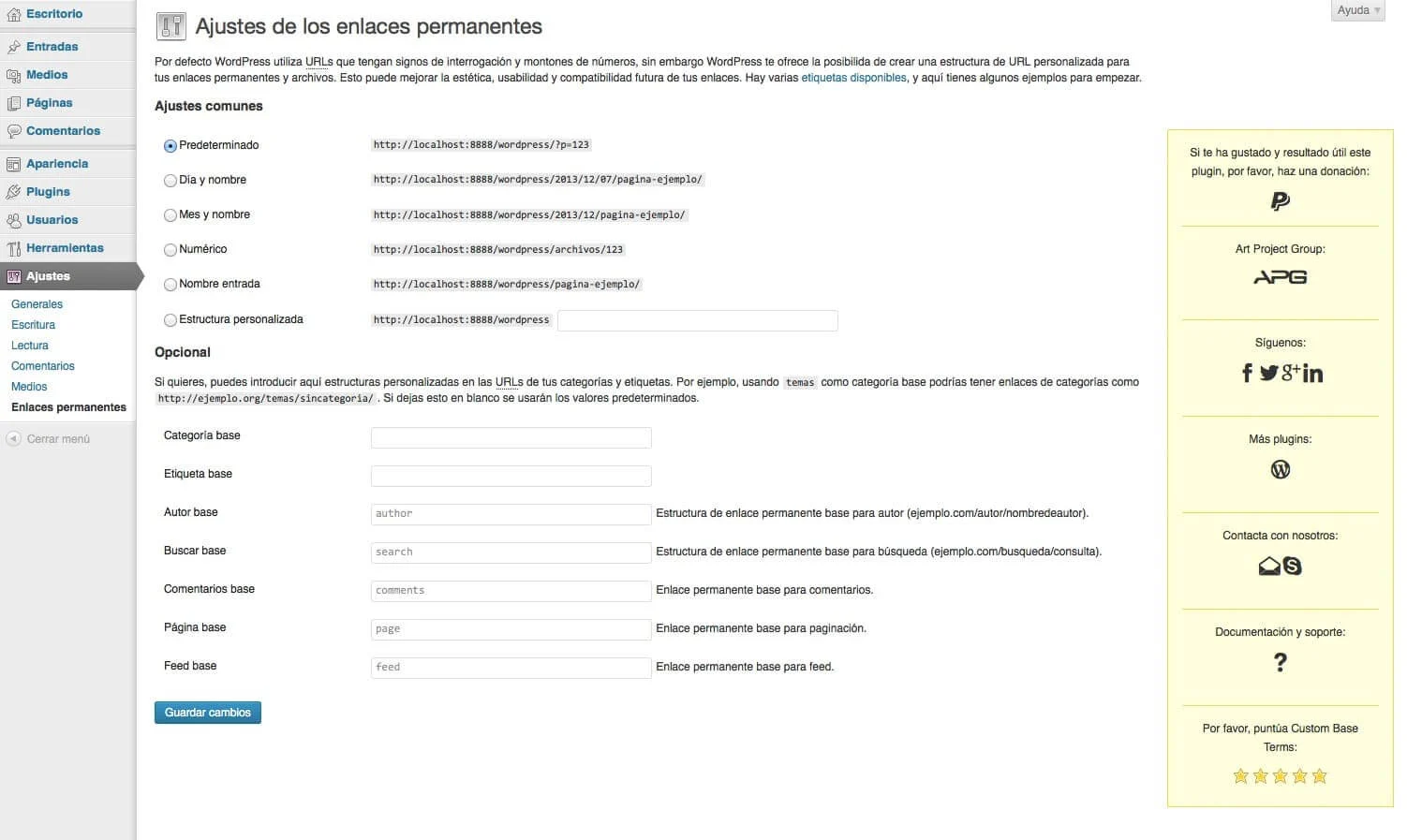
Plugin Custom Base Terms
But this is still not enough, because in our case we want the structure of the URL to be completely in Spanish. And so, how do we manage that? Well, it is very simple, with the APG plugin Custom Base Terms. This simple plugin, which is available on WordPress.org: Custom Base Terms, lets us enter custom structures in the URLs for author, search, comments and page, so we will get the previous URL to end up like this other one:
As you can see, and thanks to these two simple plugins, we will get the structure of the search URL to be completely SEO Friendly.
What are you waiting for to try it out and tell us what you thought of this improvement?
Related posts




Comments
Products and services
-
 Technical consulting
145,20 €
-
 Custom Fields Starter Kit
121,00 €
-
 All in one
From: 544,50 €From: 484,00 € -
 Multilingual Starter Kit
121,00 €
-
 APG Multisite Suite
From: 95,59 €From: 71,39 €

Art Project Group is now available in English. The whole site is translated: every plugin page, the full documentation and the support centre.
artprojectgroup.com #WordPress #WooCommerce

How do you set up WC - APG Cont4?

Se ha publicado #WooCommerce 11.2.2: actualización de seguridad que refuerza las API REST y Store, mejora la validación de CSV y corrige problemas en pagos y pedidos. Incluye cambios en la base de datos.
¡Actualiza cuanto antes!
¿Cómo se configura WC - APG myGESTIÓN?

¿Cómo se configura APG Multisite Suite?



Nice Search convierte %20 a + no a un guion como tu dices http://www.nombre-de-dominio.ext/search/termino+d+busqueda, como se podria poner con el – ya que el autor del plugin no da soporte
En cuanto a tu pregunta, puedes intentar manipular el filtro
search_link.Un saludo.
He conseguido llegar al archivo link-template.php donde creo que se tocaria para hacerlo pero no lo he conseguido se escapa de mis posibilidades :(, muchas gracias por responder.
Errata corregida.
Gracias.